Navigating Pulse
Navigation Menu
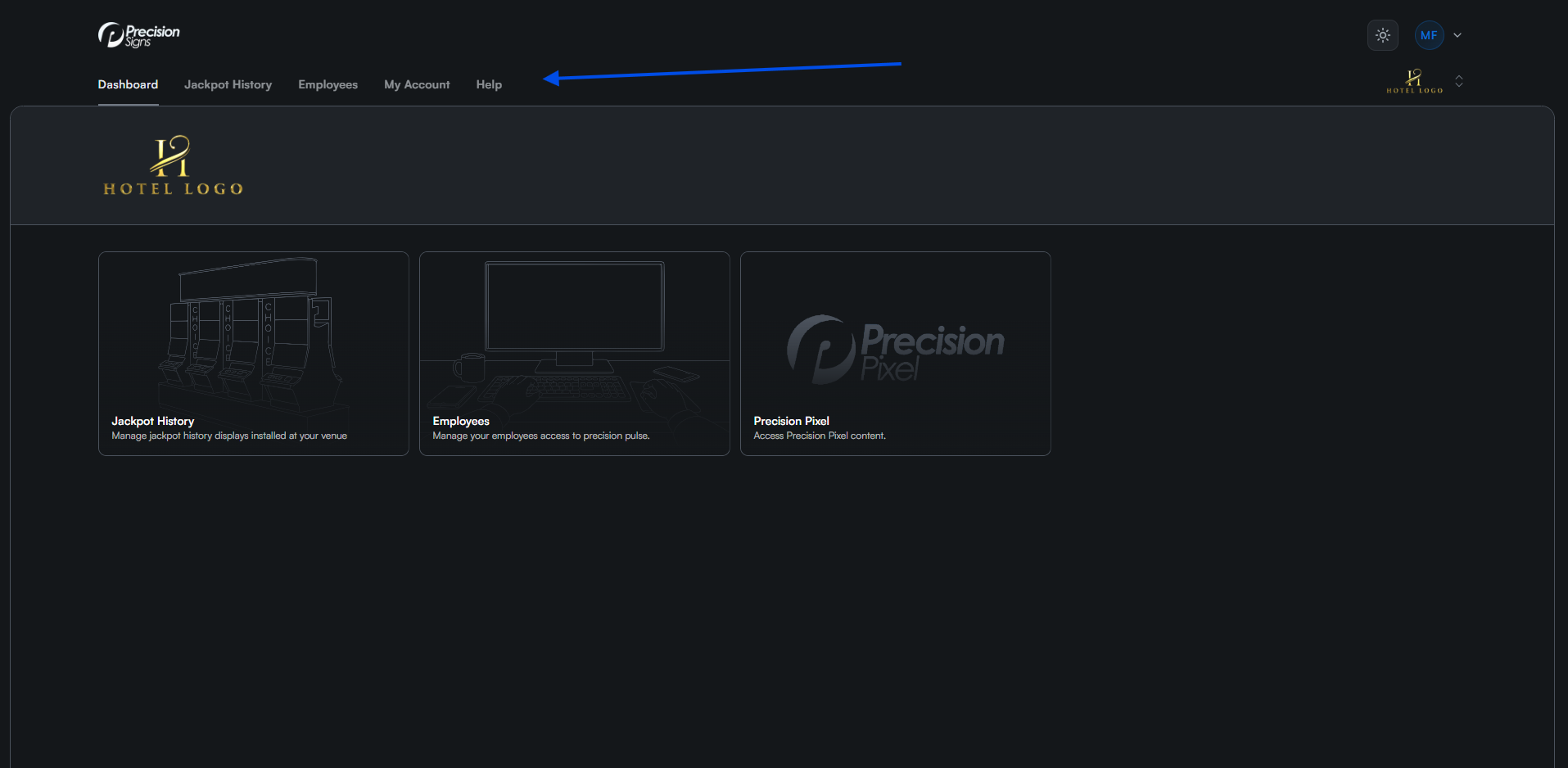
The menu at the top of the page links to each section of Pulse. New features will be added to this menu as they become available.
Switching Between Venues
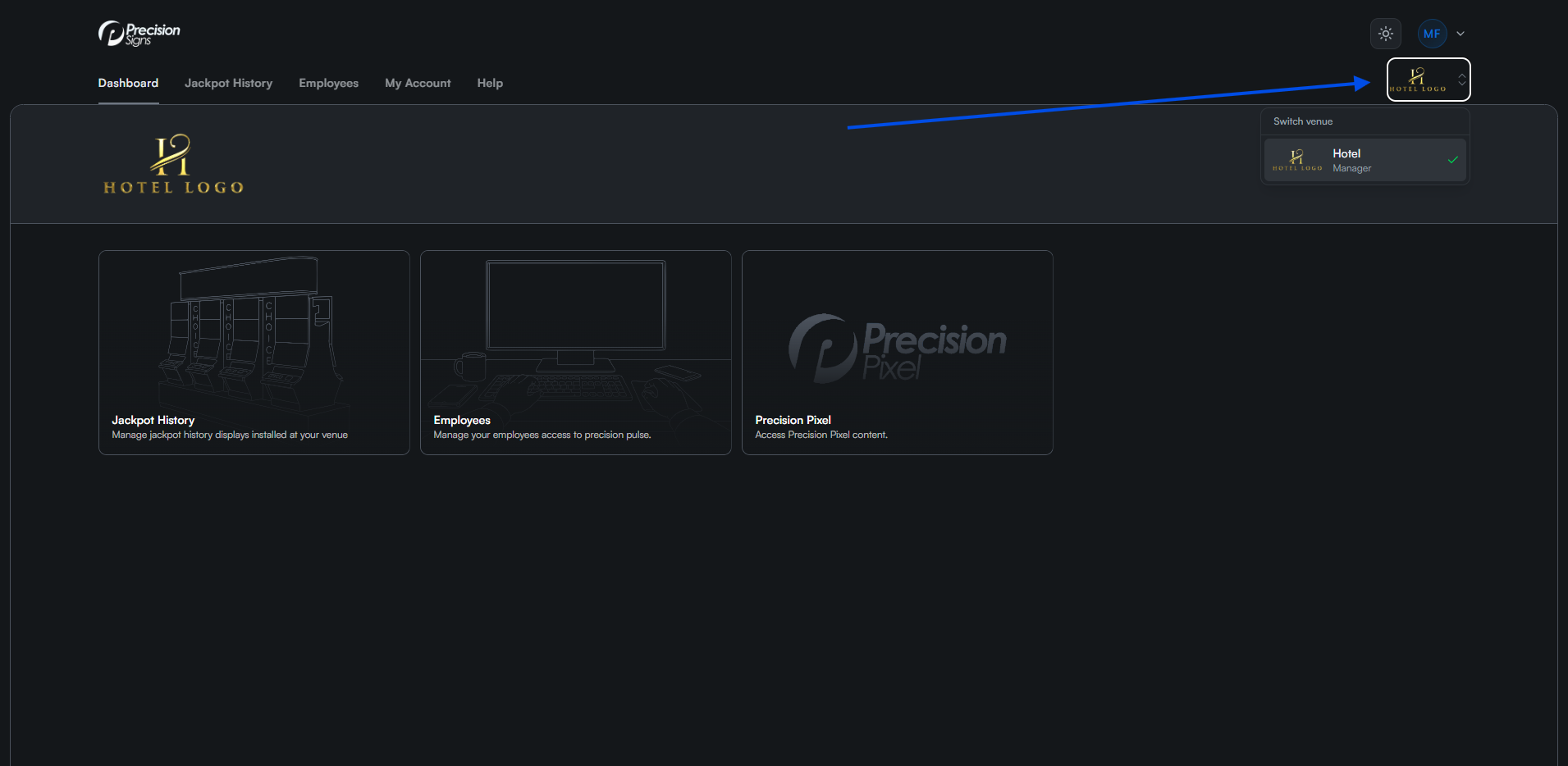
All content and settings in Pulse apply to the currently selected venue. If you have access to multiple venues, click the venue logo in the top right corner to switch between them.
Logging Out
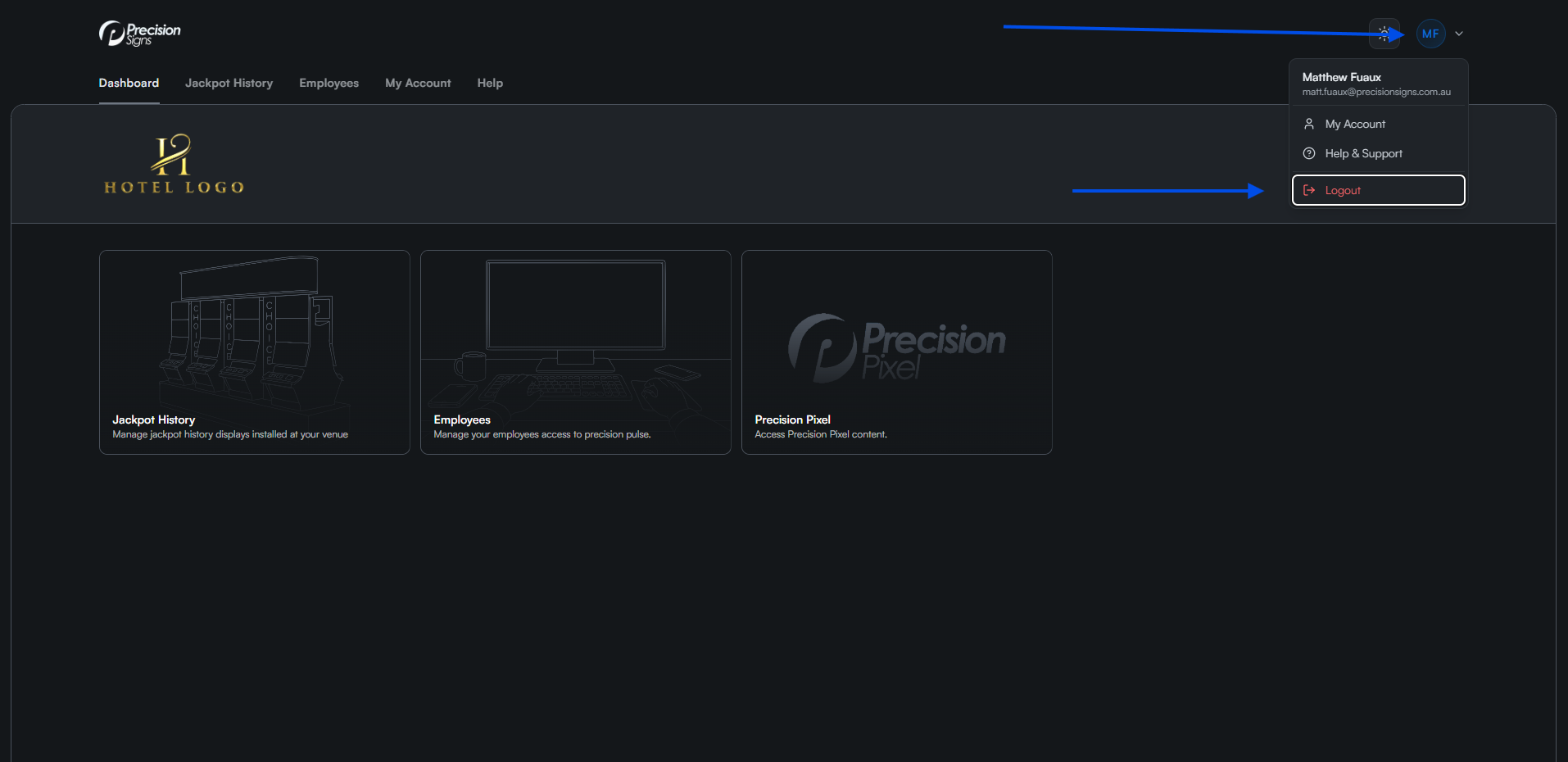
Click your initials in the top right corner, then select Logout from the dropdown menu.