Media
Adding Media
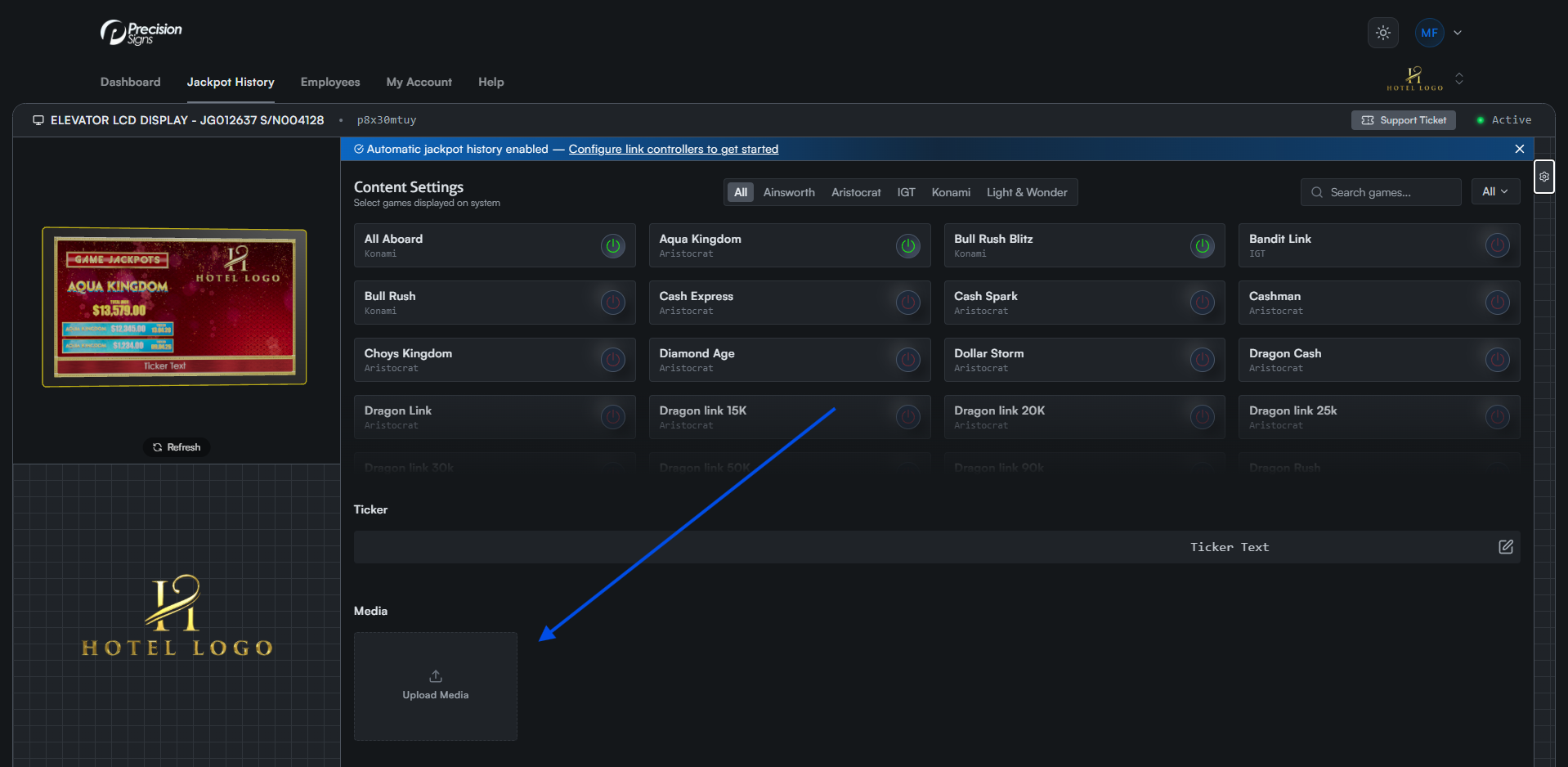
Drag files onto the Upload Media tile, or click the tile to open the file selector.
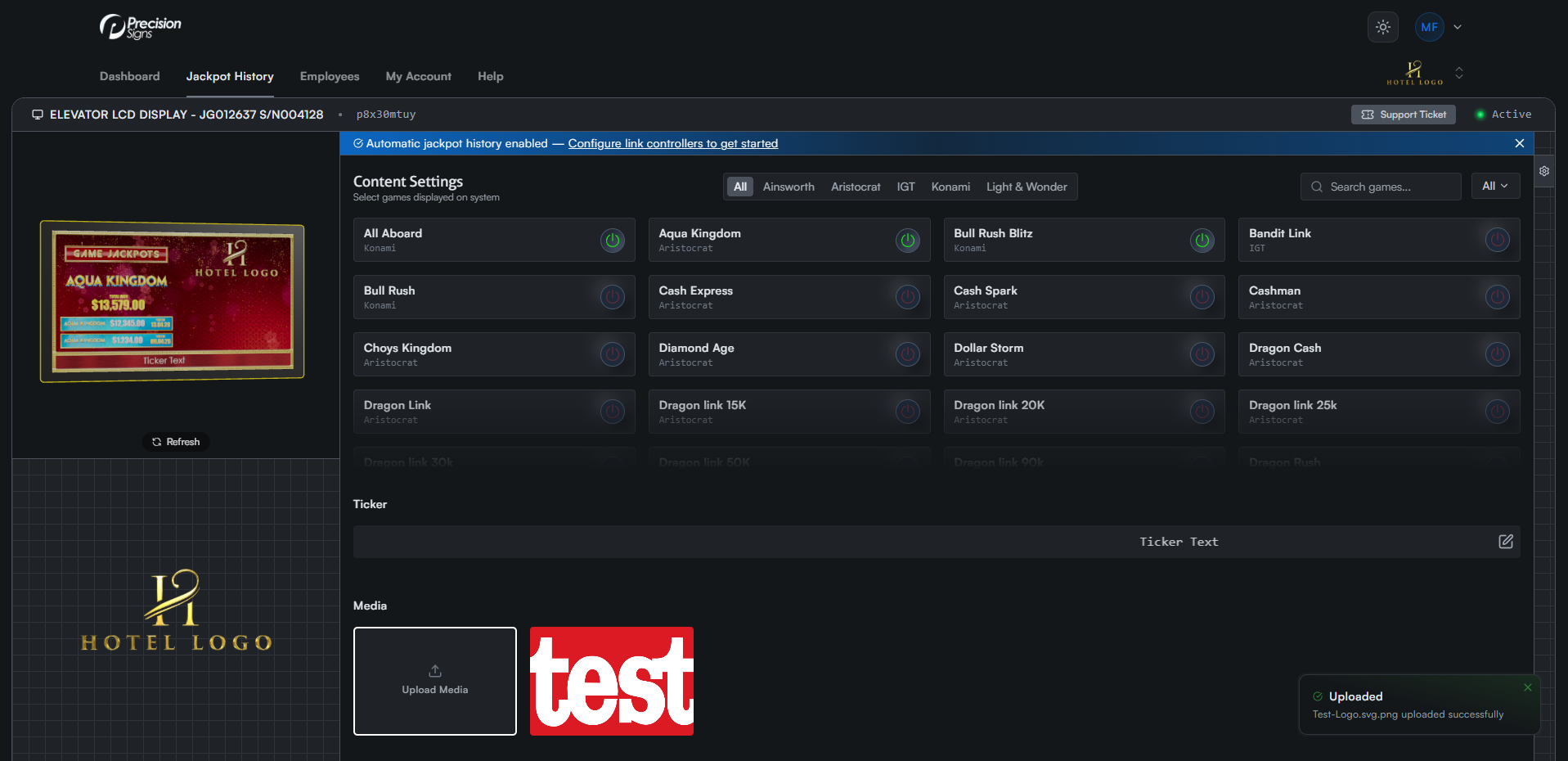
Once uploaded, a preview of your image appears in the media section.
Removing Media
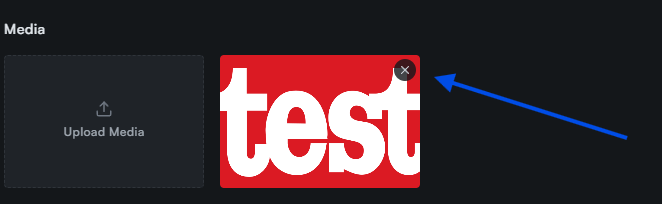
Hover over any image preview and click the X icon in the top right corner to remove it.
Note: Make sure the images are enabled in the Extra Settings tab to show them on the display.