Introduction
Control your Jackpot History Display within Pulse to instantly update and view your changes. Use the Jackpot History section to manage jackpot link data, daily payout figures, on-screen ticker messaging, promotional material, and various settings that control the look and feel of your displays.
Jackpot History Displays
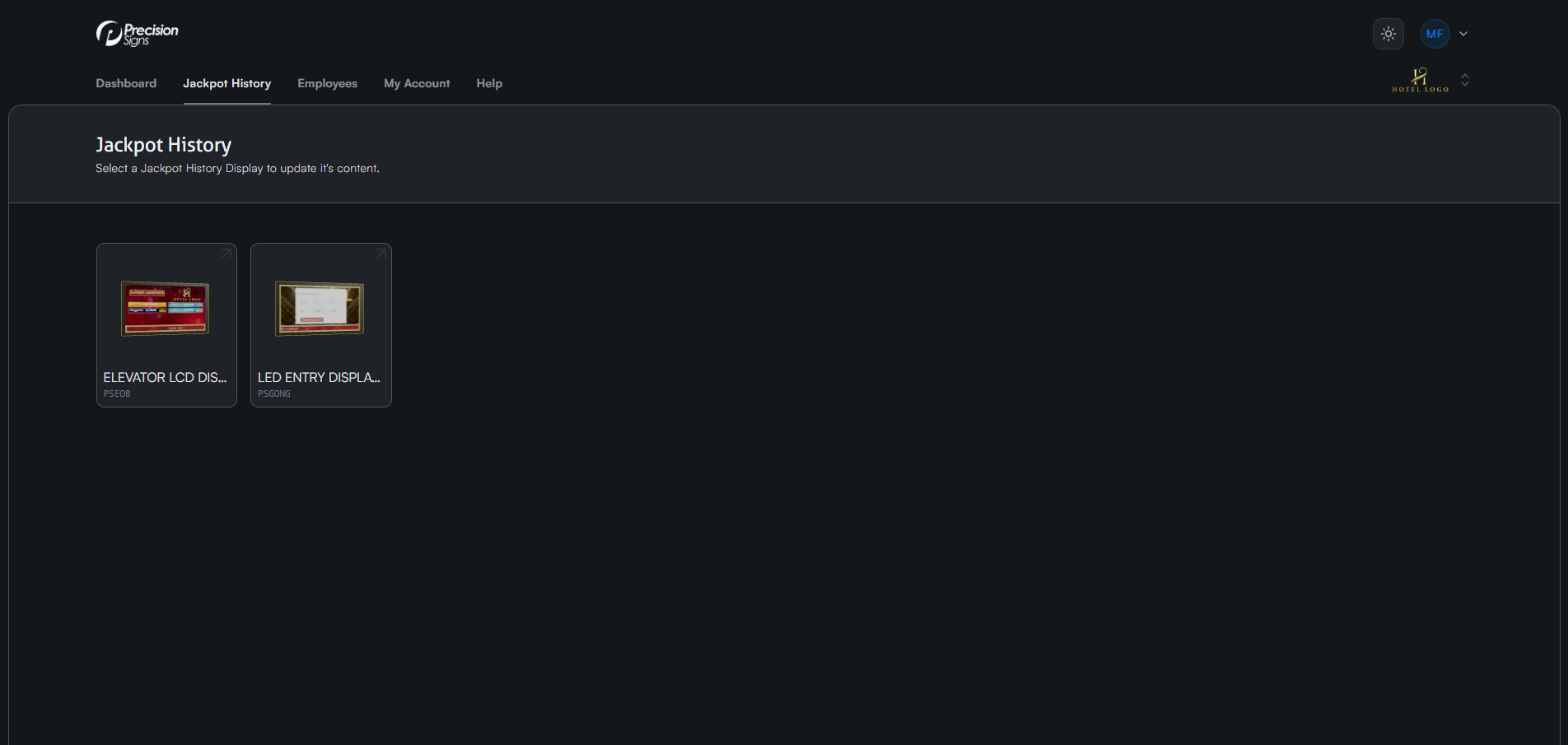
After logging into Pulse, navigate to the Jackpot History tab. You'll see a list of all displays running the jackpot history software. Click any display to view its settings.
Jackpot History Console
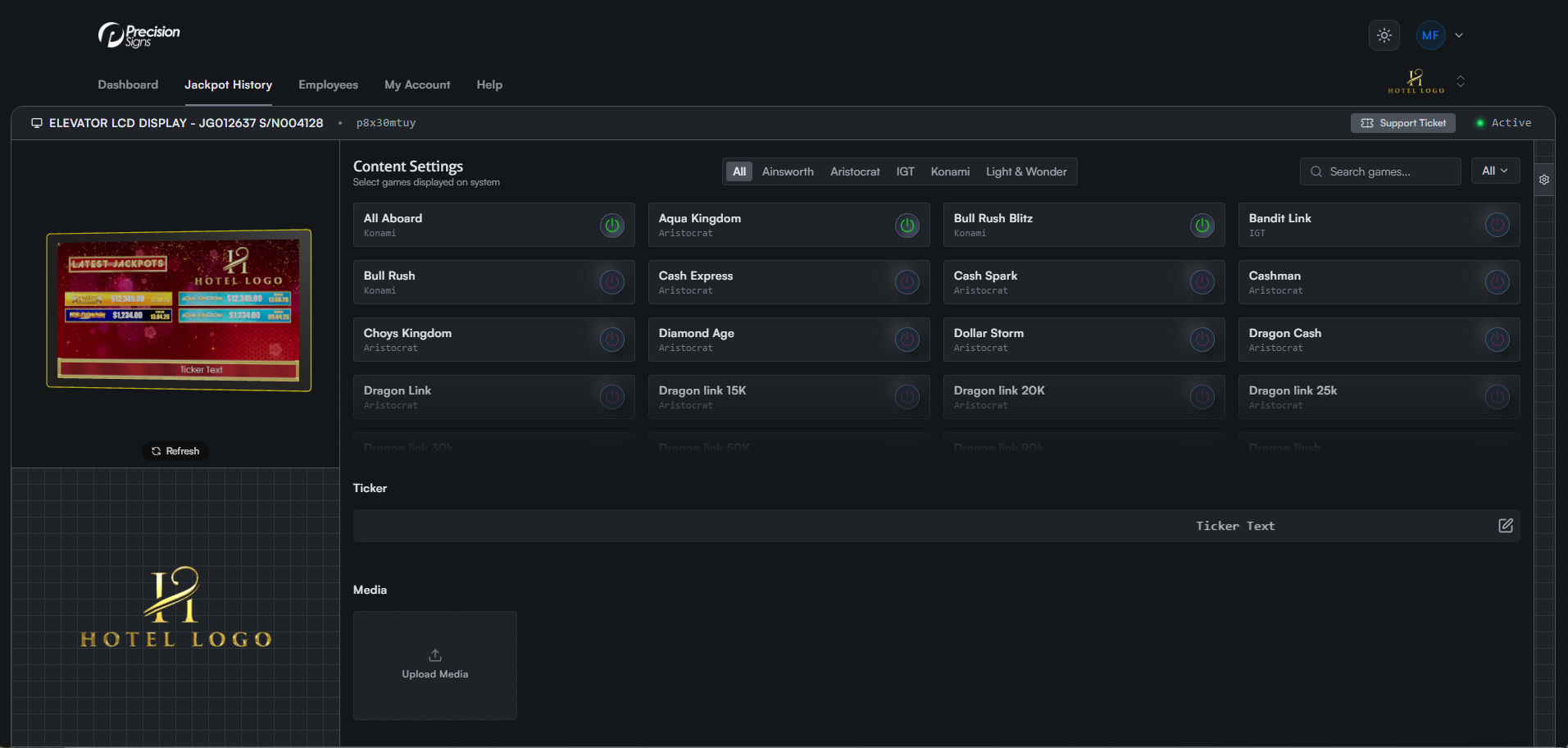
Selecting a display opens the Jackpot History Console, where you can manage all settings for that display.
Live View
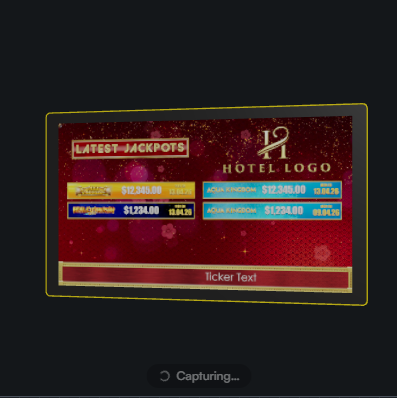
The left side of the screen shows a live preview of your display. Click the refresh button at any time to see what's currently showing in real time.