Daily Payouts
Step 1: Open the Settings Tab
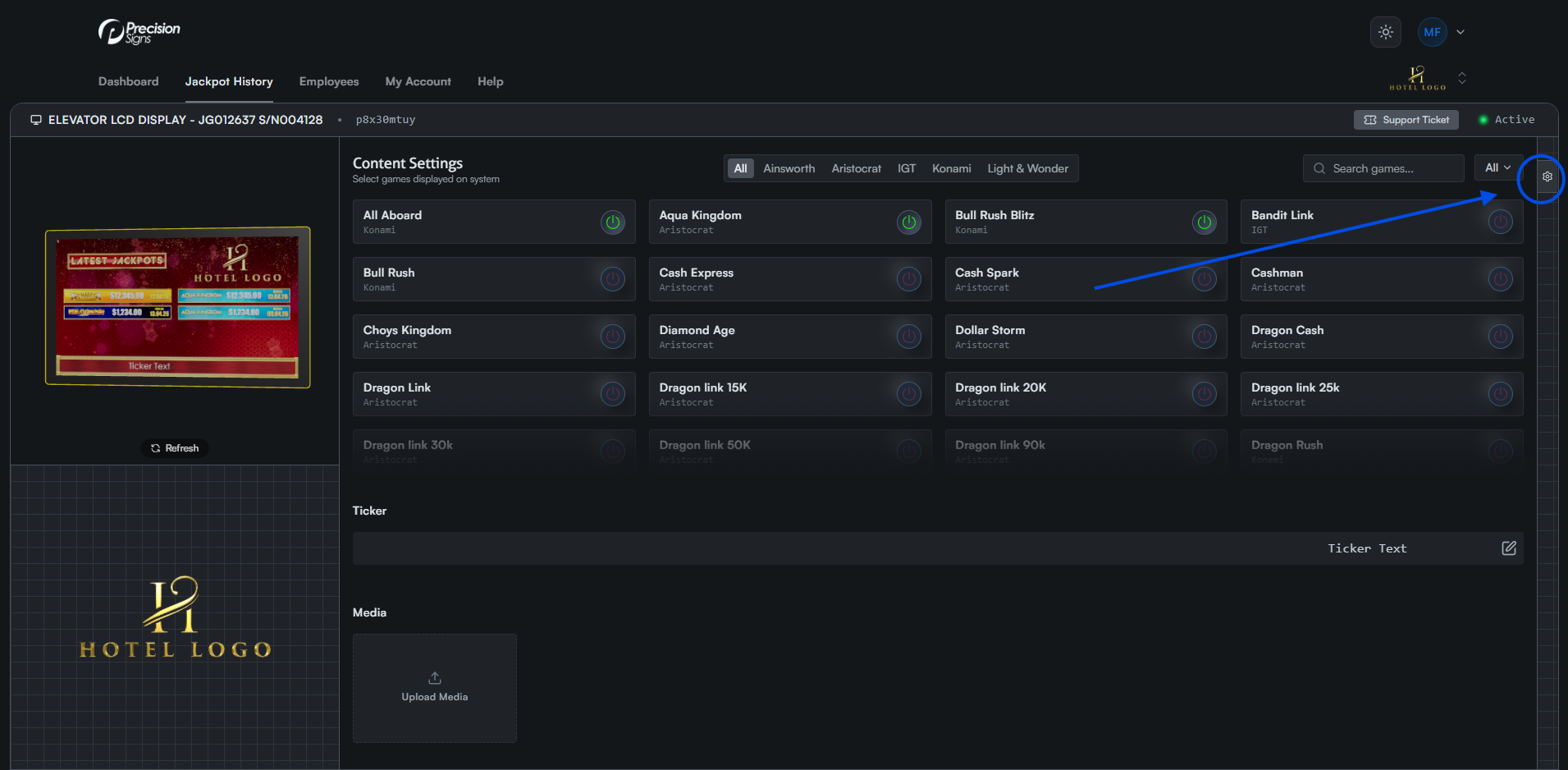
Click the gear icon on the right side of the screen to open the settings tab. On mobile, this appears as a floating icon at the bottom left.
Step 2: Open the Daily Payouts Tab
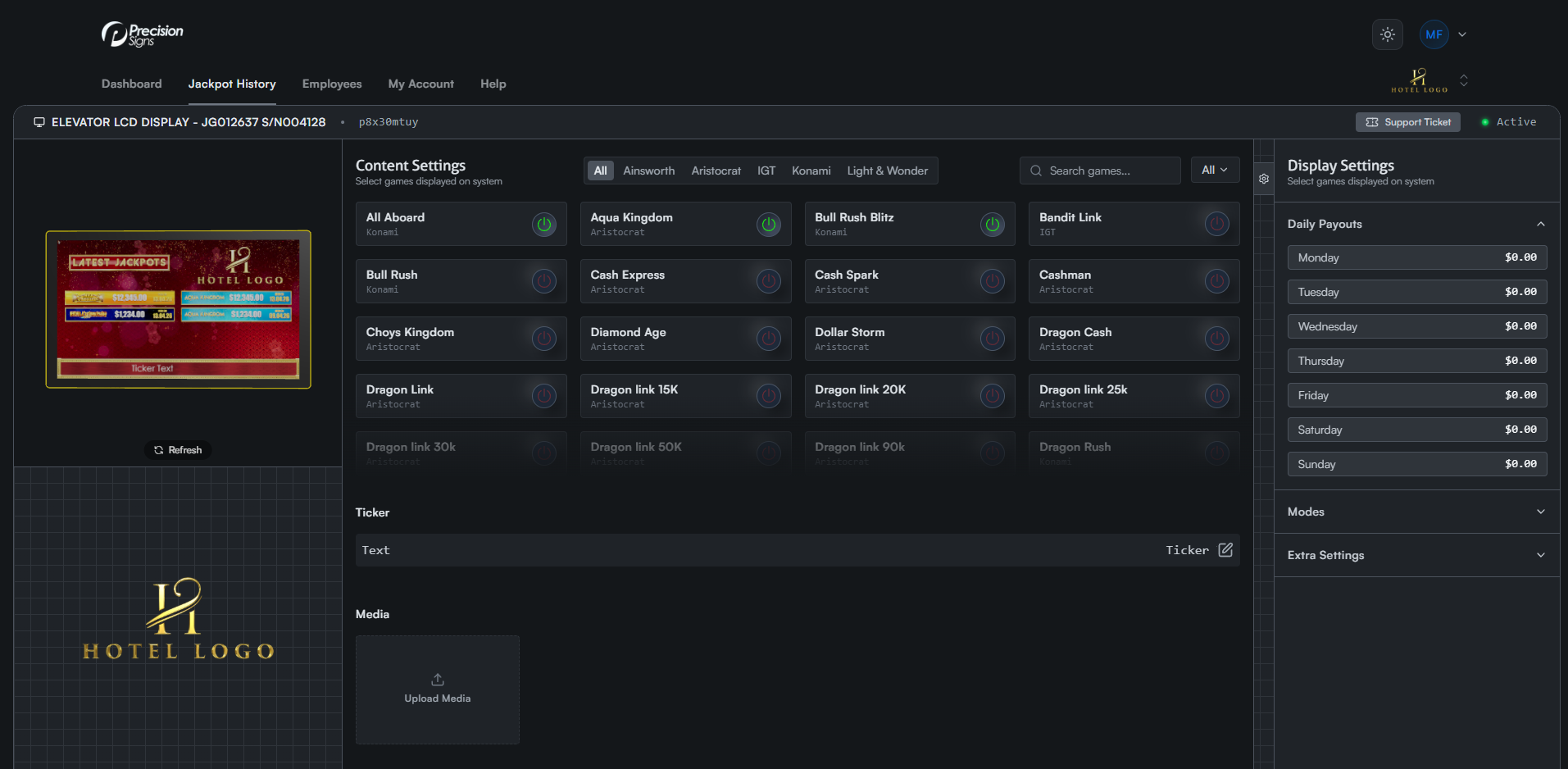
Click the Daily Payouts tab to expand a list of values for each day.
Step 3: Edit the Value
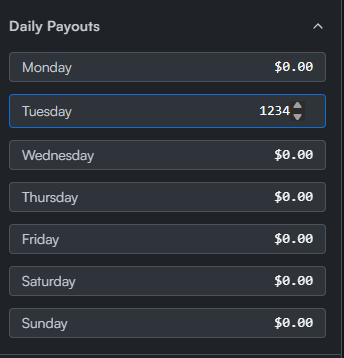
Click any row to edit that day's value. Press Enter or click anywhere else on the screen to save.