Auto Jackpot
Auto Jackpot requires Precision Signs jackpot hardware to be installed on site. For information on installing at your venue, contact Precision Signs.
Setup
Venues with Auto Jackpot installed will have jackpot entries added automatically. A one-time setup is required to map your link controllers to the correct games.
Step 1: Open the Settings Tab
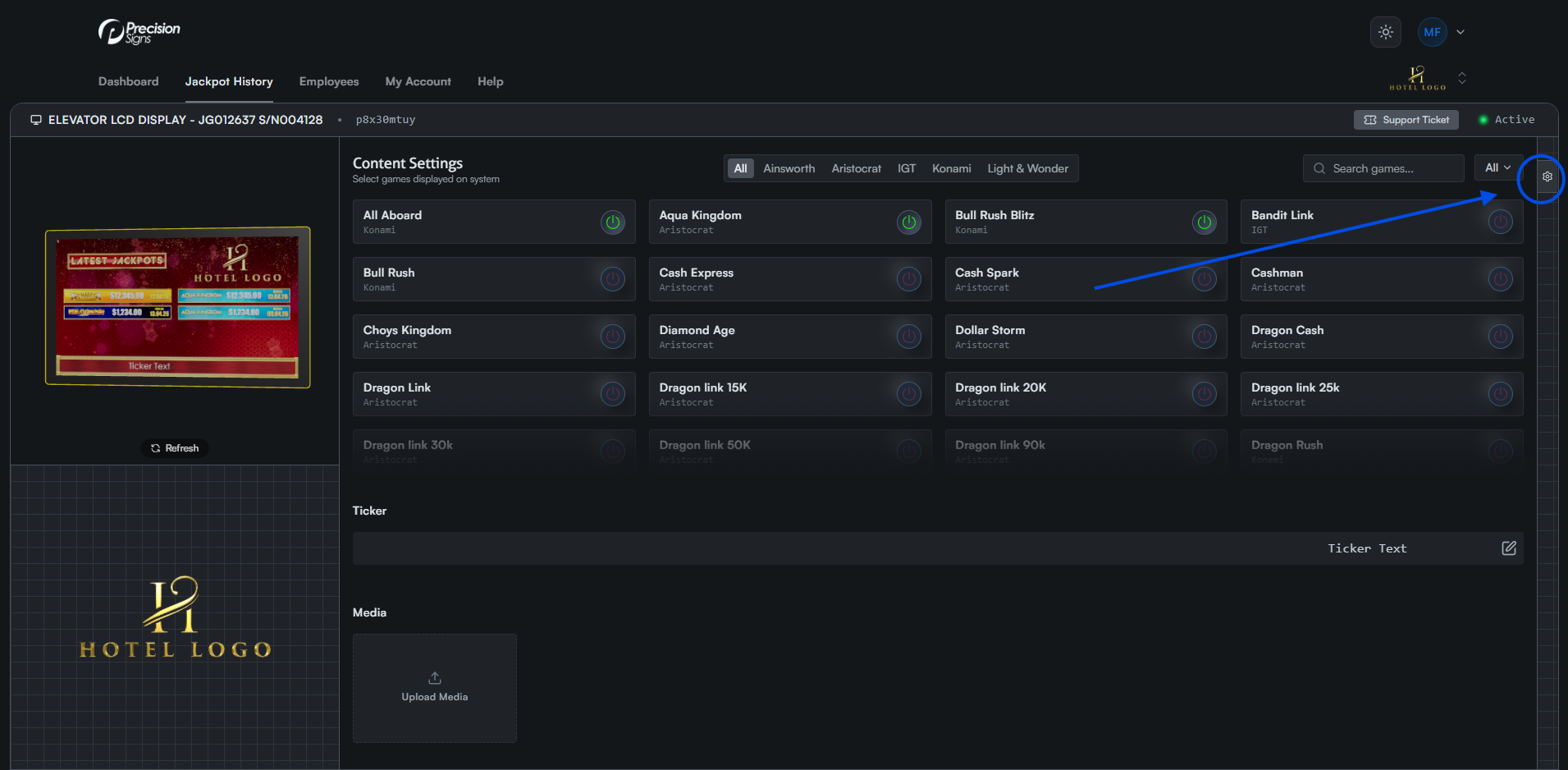
Click the gear icon on the right side of the screen to open the settings tab. On mobile, this appears as a floating icon at the bottom left.
Step 2: Open the Link Controllers Tab
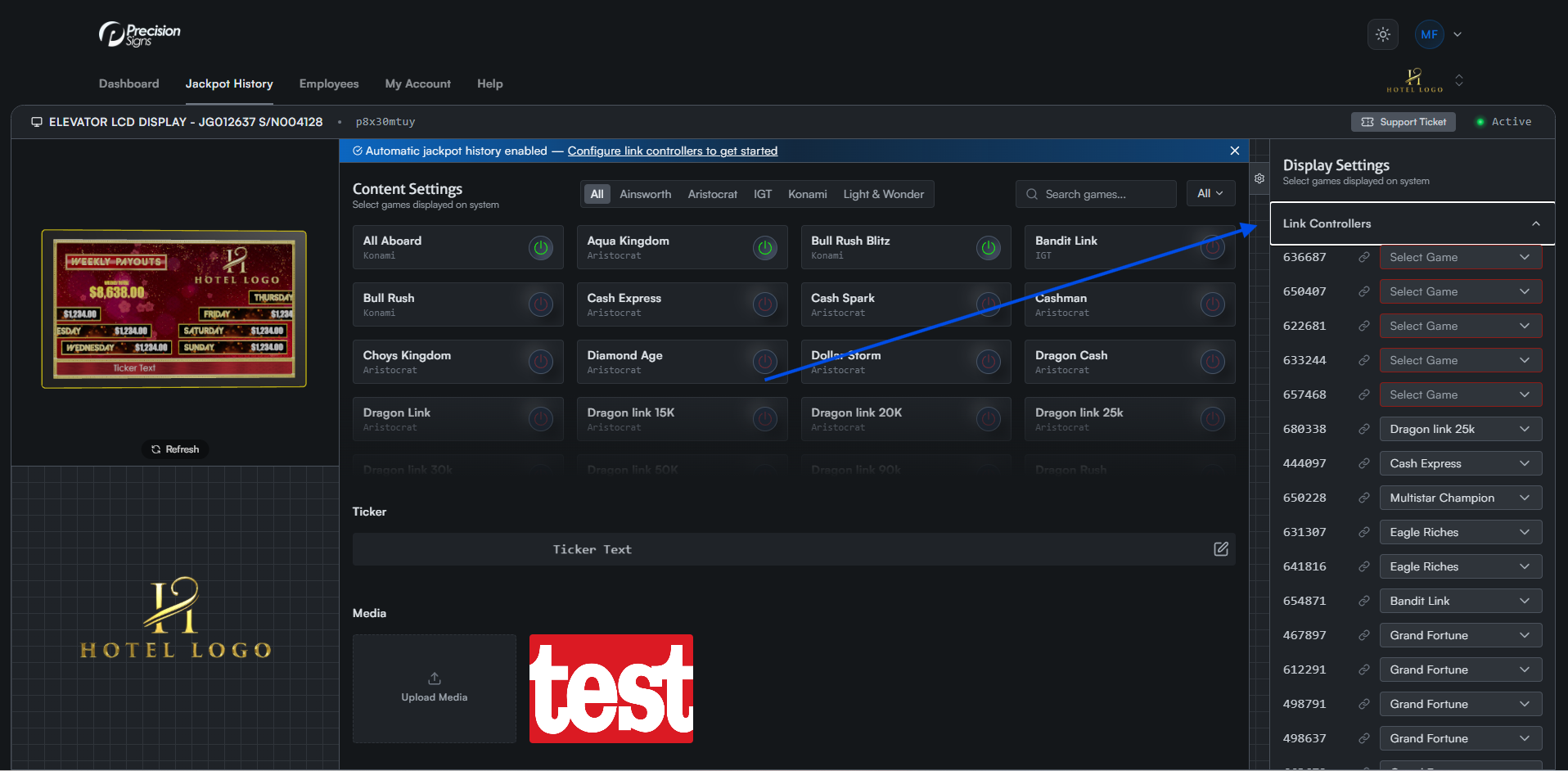
Click the Link Controllers tab to expand the list.
Step 3: Assign Link Controllers
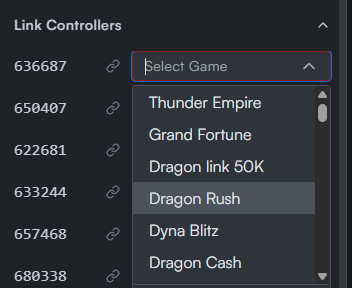
Your venue's link controllers are automatically added to the portal. For each controller, click the Game dropdown and select the corresponding game.
Updating Link Controllers
Whenever you change a link at your venue, return here to update the link controller's game. This ensures it receives the correct entries for that game.
Manually Updating
You can still manually add or remove entries at any time through pulse.