Main Viewpoint
Main Viewpoint
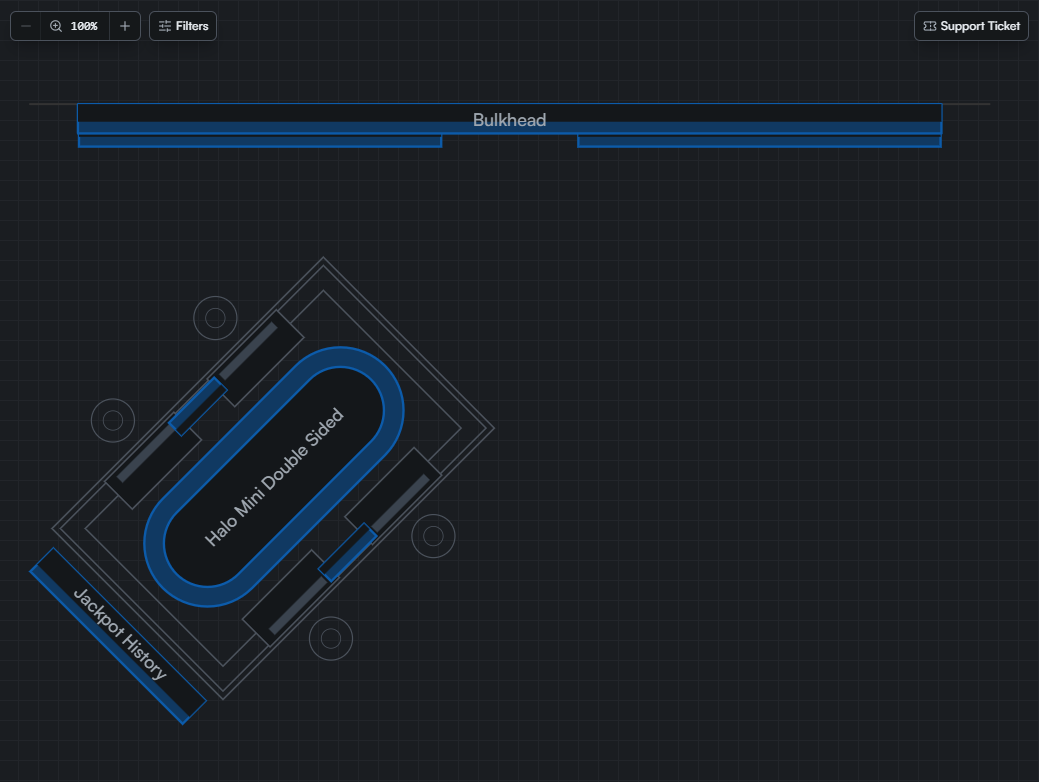
From this area, you can select or filter displays, pan or zoom the current viewed area, file a support ticket, or show displays physically located under other displays.
Selection Filter
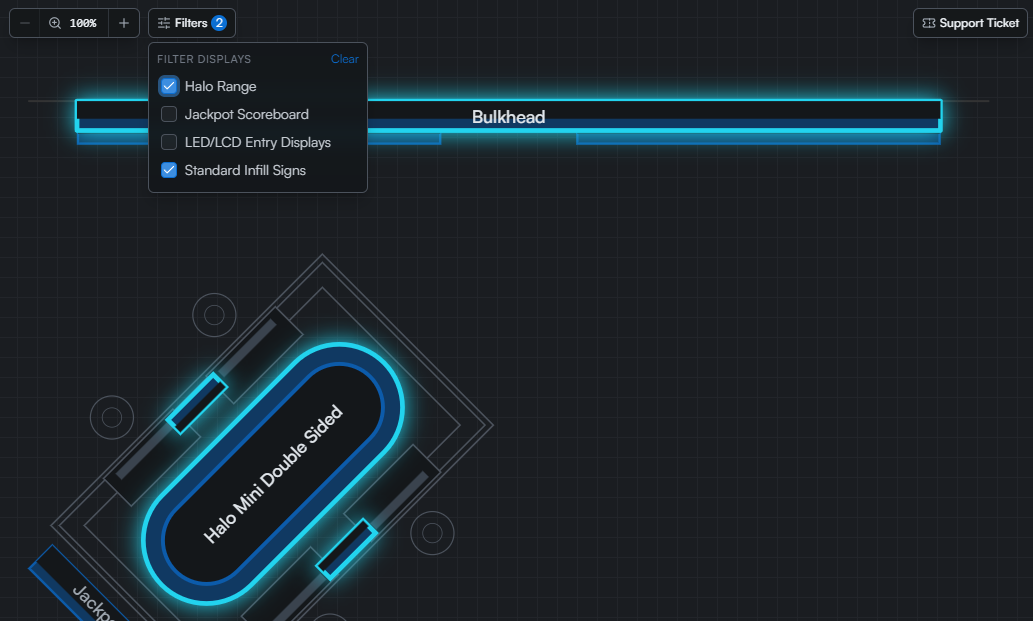
Clicking the Filters button opens a popup with checkboxes for each type of display. Clicking a checkbox will select all displays of that type in the current floor plan.
Viewing Stacked displays
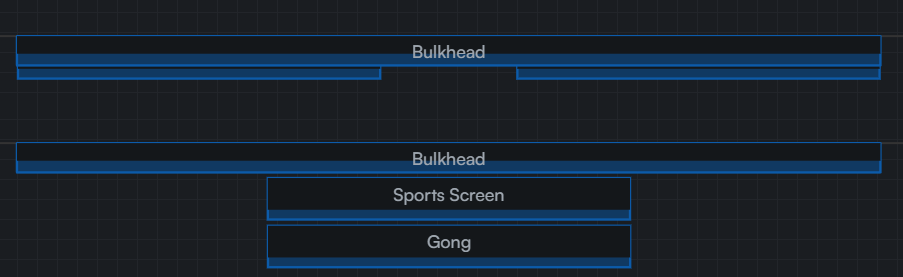
Hovering the mouse over a display will reveal any displays physically beneath it to allow access.