Introduction
Introduction
Control your Floor Plan Display within Pulse to instantly update and view your changes. Use the viewer section to manage sequential content, scheduled content, and various settings that control the look and feel of your displays.
Display Viewer
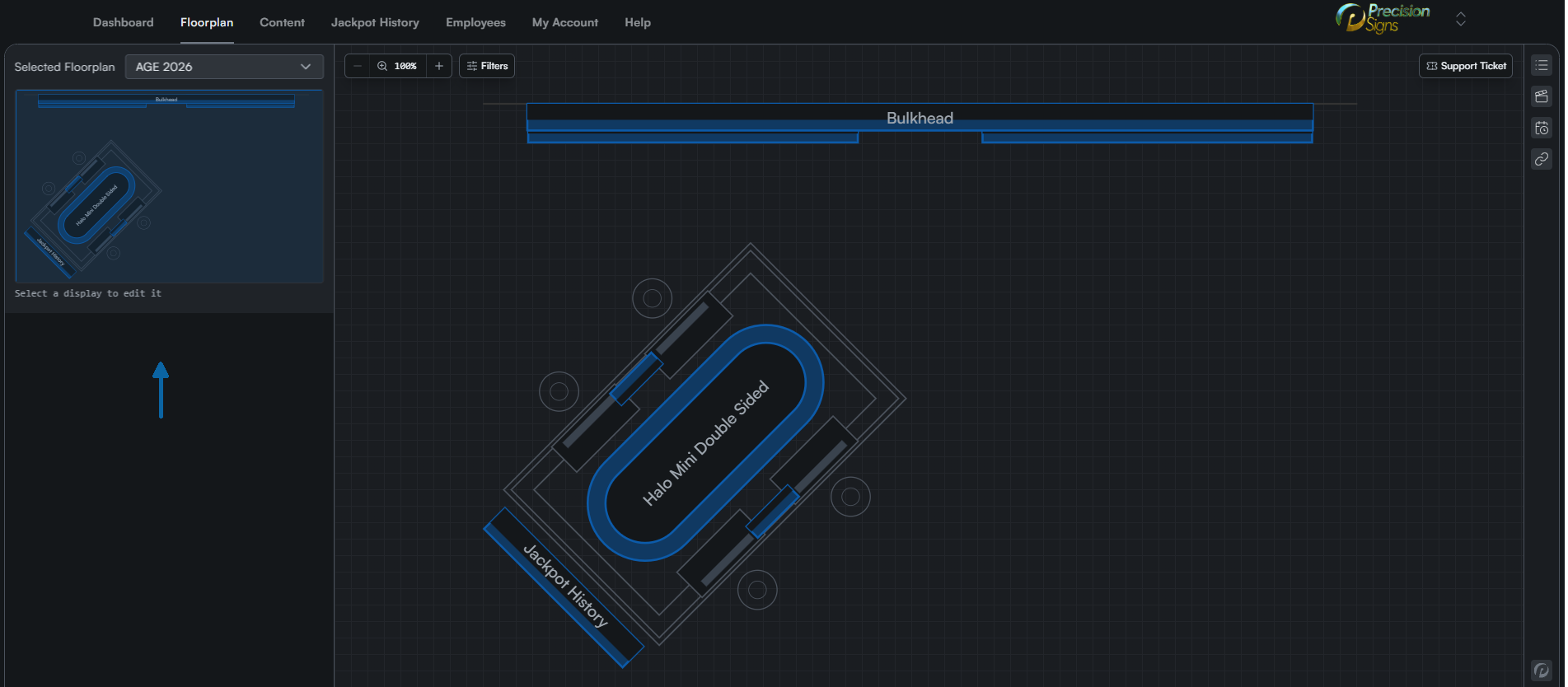
On the left side are tools to choose a floorplan from existing plans, as well as editing displays and showing the entire floorplan and the section visible in the main viewpoint
Main Viewpoint
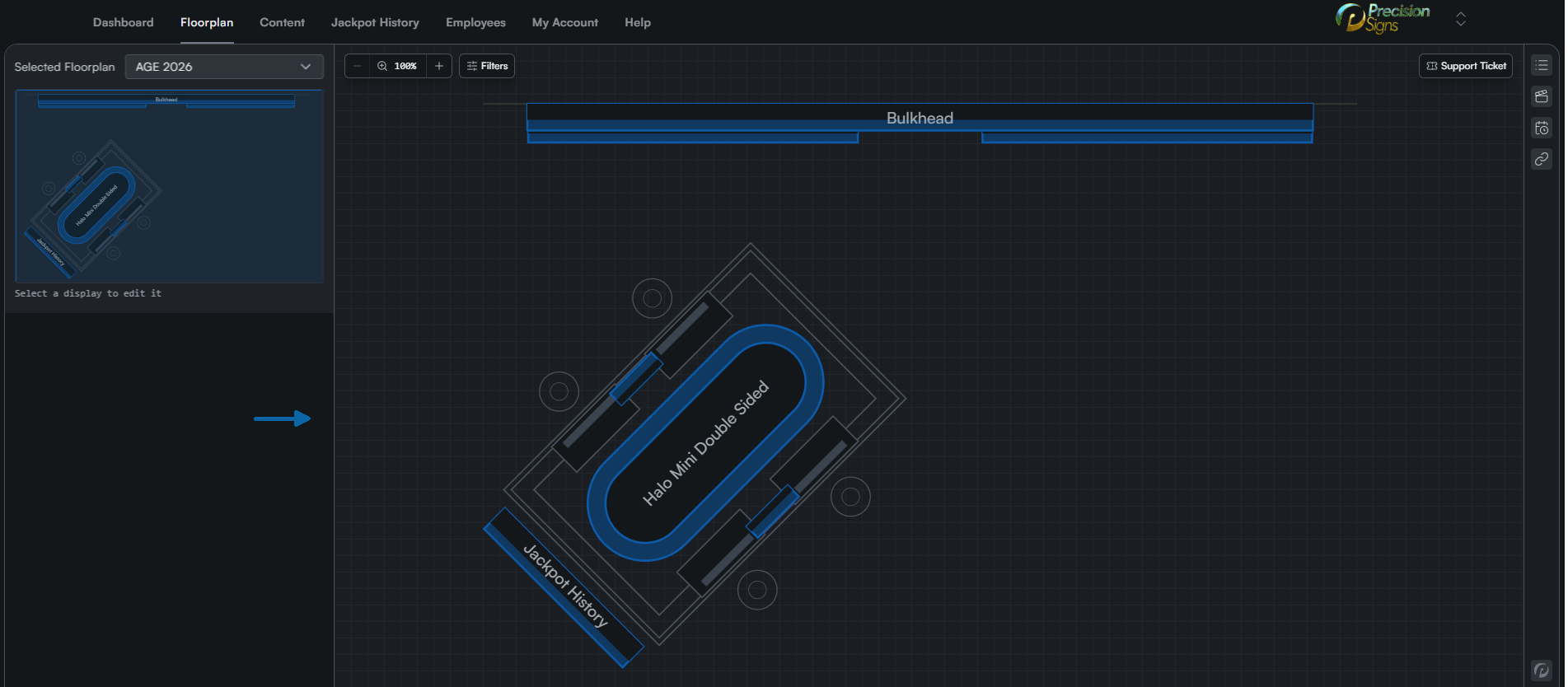
Centrally located is the main viewpoint where displays can be selected. On a desktop browser, left clicking and dragging will cause the display to pan, while the mouse wheel will zoom in and out. There are also buttons to change the zoom, contact support, and apply selection filters to the entire floorplan.
Content Sidebar
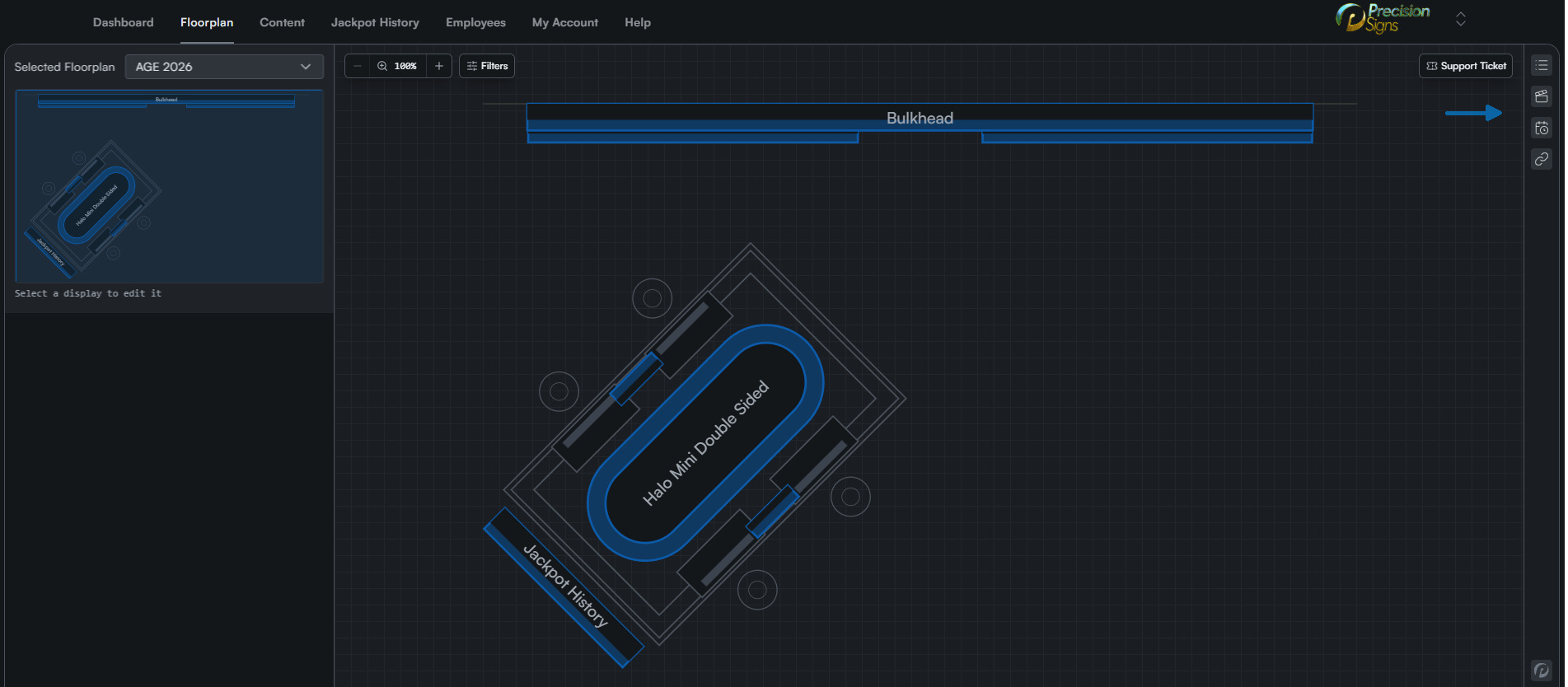
On the right side is the content sidebar, containing displays, sequential and scheduled content, and link controllers for EGMs on the floorplan.