Display Viewer
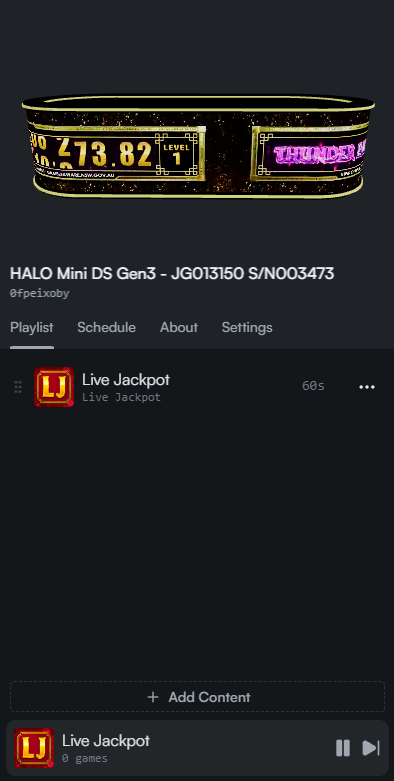
When a display in the floor plan is selected, the display viewer will change to show specifics of that model.
At the top is a 3D model of the display, streaming the current video showing on the display. Below this is the name and ID of the display, followed by a menu to manage current playlist, schedules, settings, and an about page with additional information.