Adding Scheduled Content
Scheduled Content
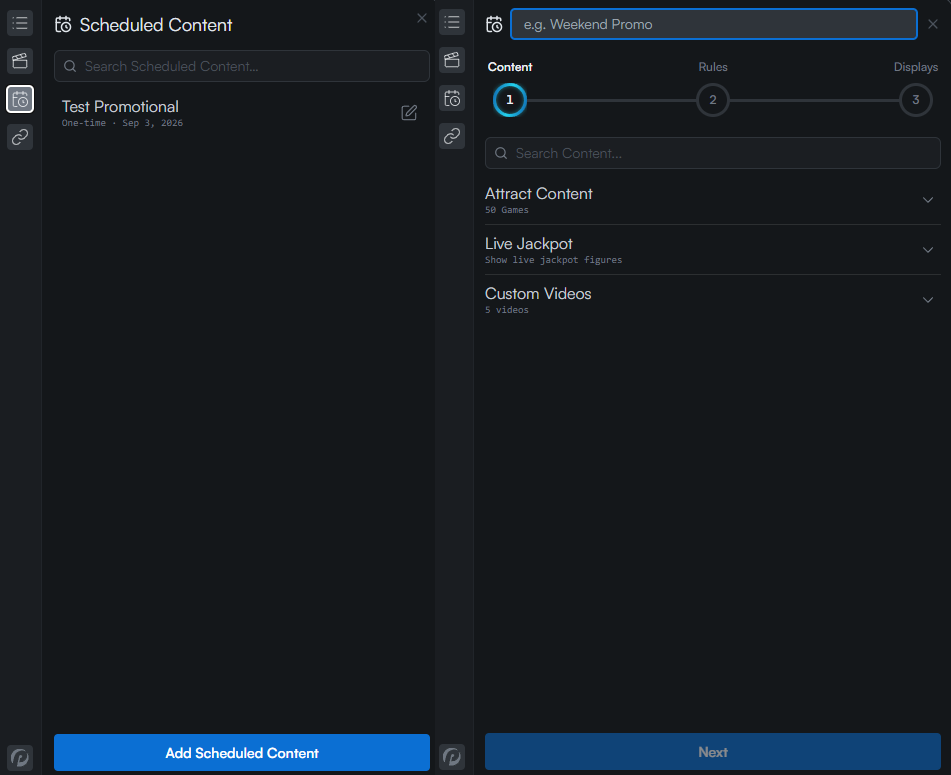
Open the Scheduled Content section of the Content Sidebar, and click the Add Scheduled Content button. Choose a content item from the options available, and click Next.
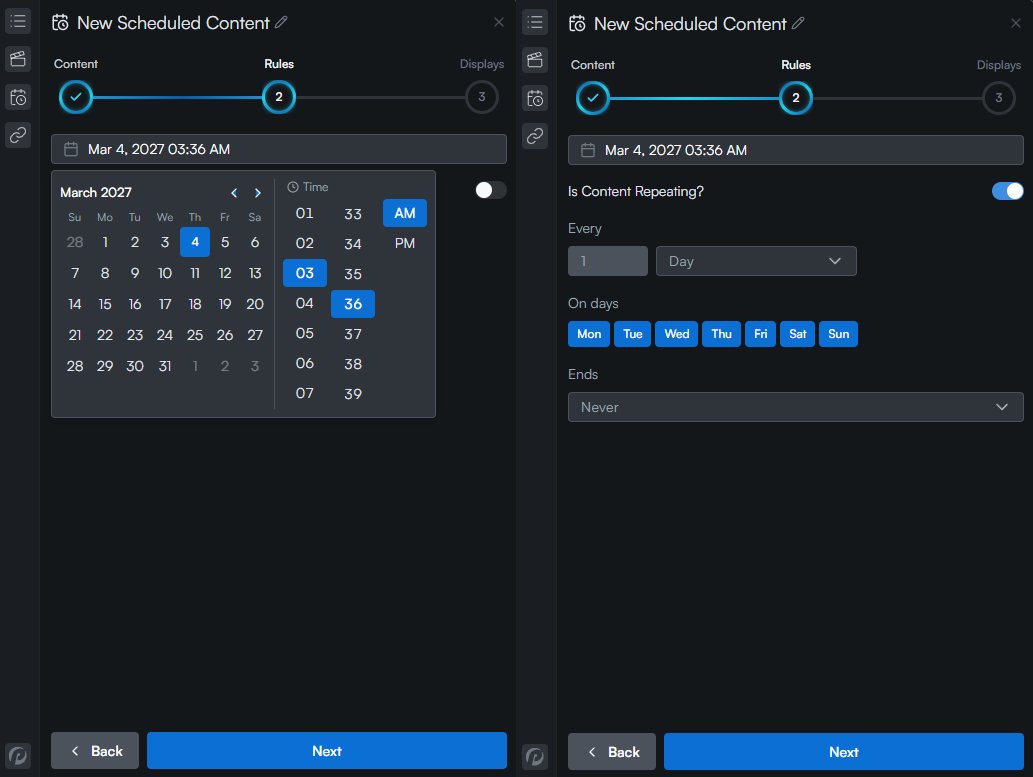
Set the timing of the event. Events can be set to be one-off or repeating.
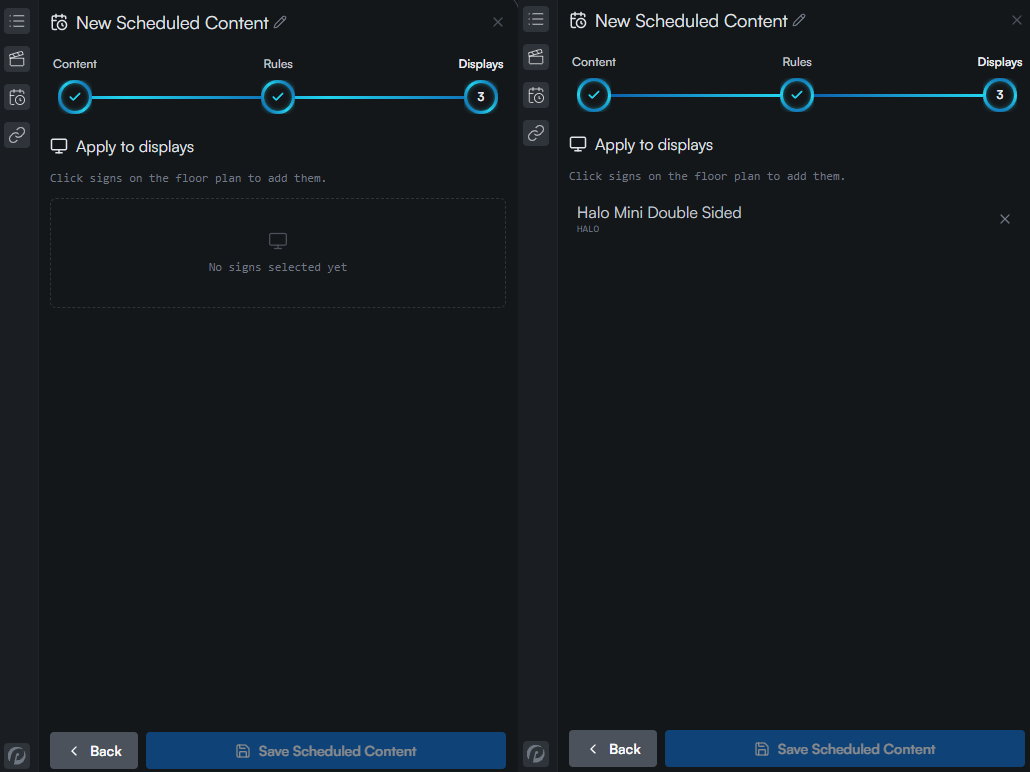
Add the content to one or more displays on the current floor plan, and click "Save Scheduled Content" to add it to the displays.